Overlay clothes on your photo
Lay garment cutouts over your own photo, then move, resize, rotate and stack them to check color and rough length. It runs in your browser, so your photo stays on this device.
Drag to move. Pinch or drag the pink handle to resize and rotate. Keyboard: arrow keys, + and −, [ and ].
What an overlay shows, and where it stops
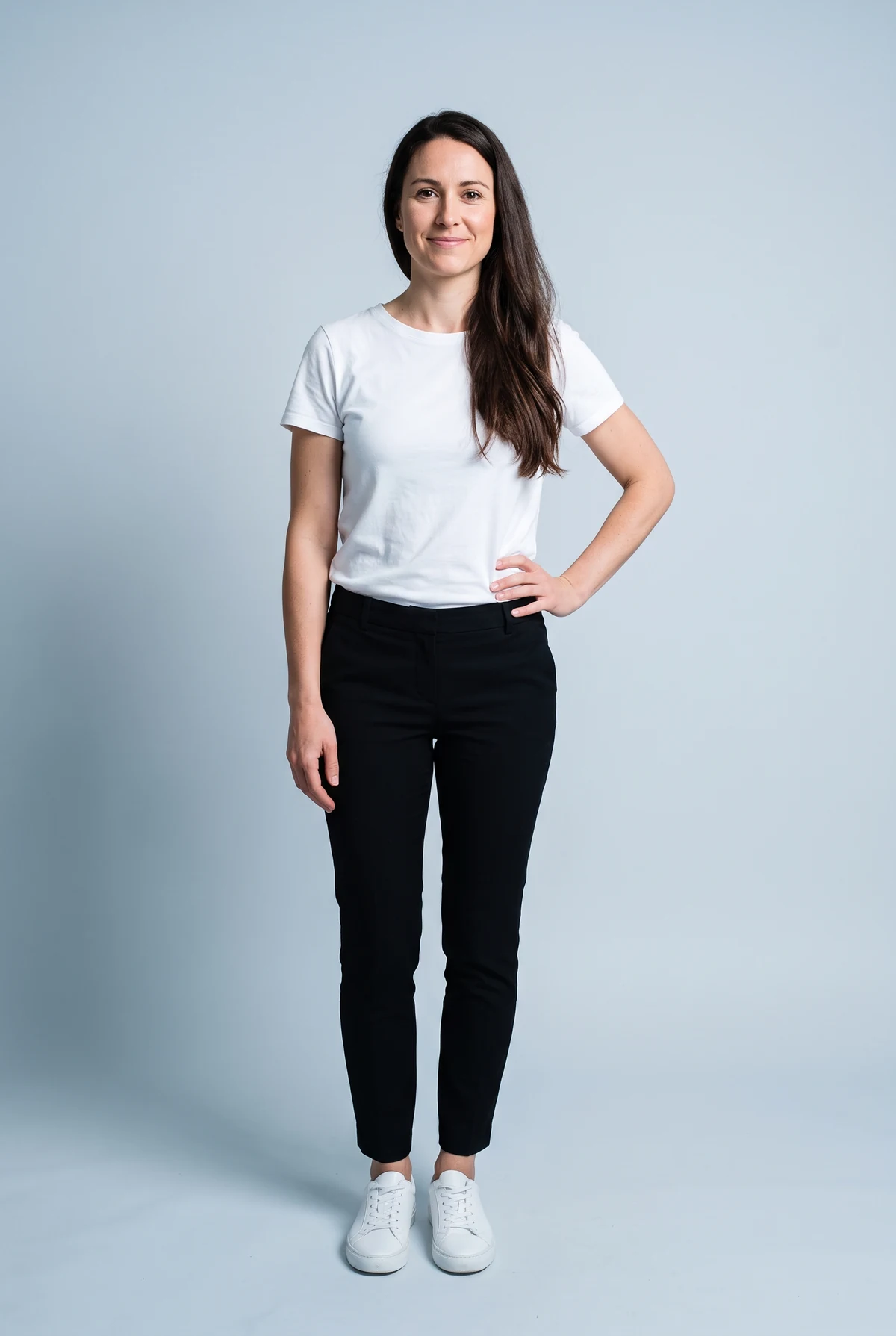
Putting clothes on a picture this way is quick and private, and for some questions it is all you need. For others it misleads, so it helps to know which is which. Here is the same photo and the same denim jacket, once as an overlay made with this tool and once as an AI try-on, which generates a new image instead of pasting onto the photo.
- Good for color. Holding a mustard or emerald next to your face and hair in your own light is the quickest way to rule a color in or out.
- Good for rough length. Line the shoulders up and you can see whether a coat lands above or below the knee on you, give or take.
- Can't drape. The cutout keeps the flat shape it had on the mannequin. It won't follow your shoulders, waist or hips.
- Can't go behind things. Arms, hands and hair that should sit in front of the garment get covered by it.
- Can't match your light or fit. The garment keeps its studio lighting, and it says nothing about whether a size will fit.
See all three side-by-side comparisons, and why each limit exists.
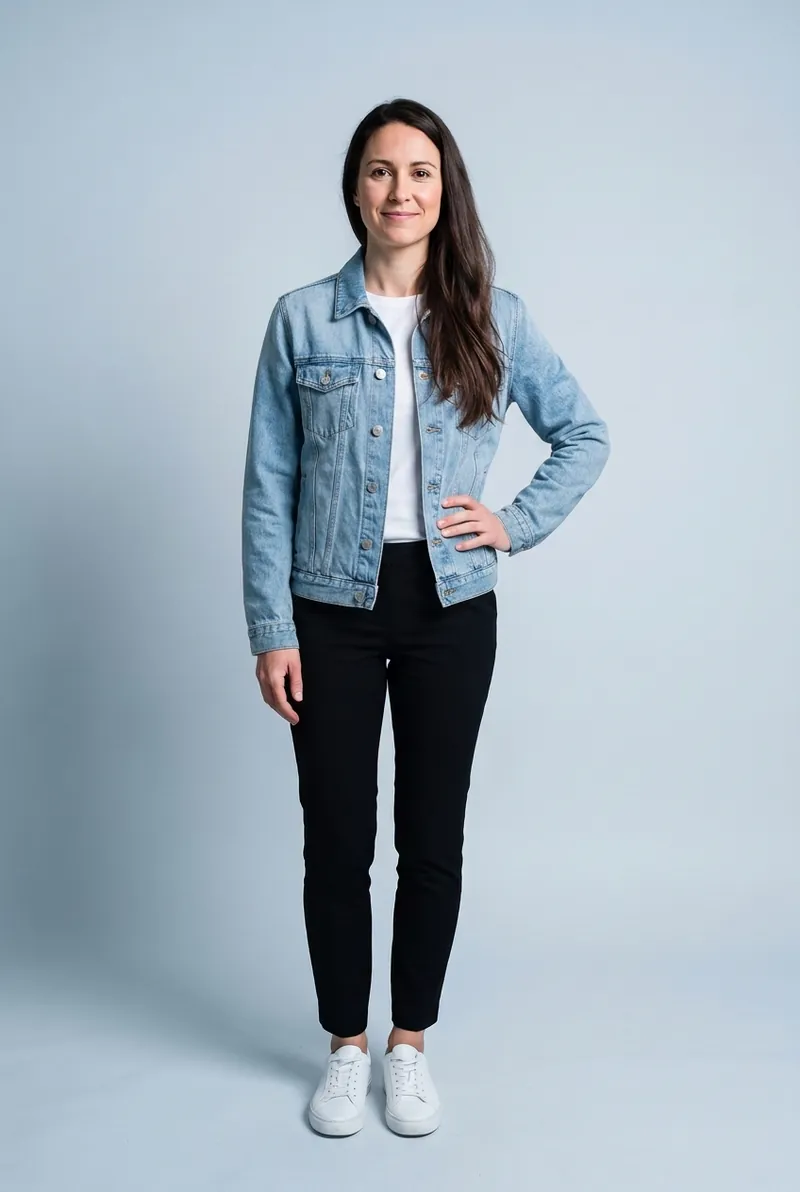
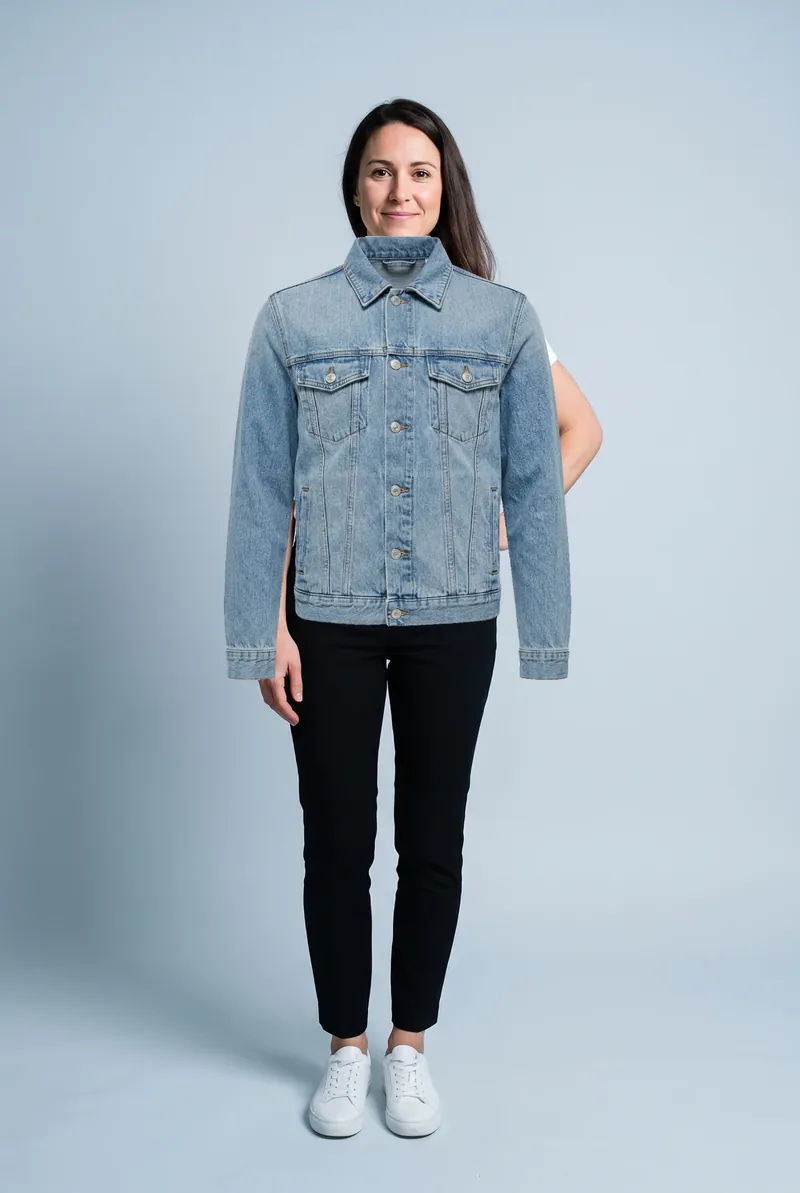
Watch the hand on her hip and the hair over her shoulder: the overlay pastes over both, the try-on keeps them in front.
AI try-on example made with FitInView's try-on from the same photo and garment image.
Making the overlay read right
A few habits from paste-up and print work make a flat overlay far more convincing. The full walkthrough is in how to put clothes on a picture.
Register on the shoulders
Drag the garment until its shoulder seams sit on yours, then size it so the seams match your shoulder width. Everything else follows from that line.
Tilt to your shoulder line
Few people stand completely level. A rotation of two or three degrees to match a dropped shoulder removes most of the pasted-on look.
Turn on Multiply for pale garments
White and cream garments look like stickers on a photo. Multiply lets the shadows in your photo show through, the way a light ink sits on paper.
Stack layers in dressing order
What you would put on first goes at the bottom of the layer list: trousers or skirt, then the top, then the jacket. Use the arrows to reorder.
Start from a straight-on photo
Garment photos are shot square to the camera, so a photo of you standing straight, arms a little away from your sides, lines up best. How to take that photo.
Cut your own garments cleanly
Add a product shot on a plain background and the tool removes the background automatically. A clean edge matters more than a high resolution. Making a transparent clothing PNG.
Guides
- How to put clothes on a pictureStep by step, on a phone or a computer, with the alignment tricks that make an overlay believable.
- Overlay vs AI try-onThree side-by-side comparisons, and what each method can and can't tell you before you buy.
- How to take a photo for try-onPose, light, background and clothes for a photo that works with overlays and AI try-on alike.
- Making a transparent clothing PNGCut a garment out of a product photo in your browser, and fix halos, holes and shadows.
Questions
Can I put clothes on my picture without installing an app?
Yes. This page is the whole tool: open it on a phone or computer, pick or add a photo, add garments and save the result. Nothing to install and no account.
Is my photo uploaded anywhere?
No. The tool opens your photo inside this browser tab and draws on it with your device. There is no server step, no account and no storage; close the tab and it is gone.
Why does the garment look flat or pasted on?
Because it is. An overlay is a flat picture laid on top of another picture. It can't bend around your shoulders, tuck behind your arm or pick up the light in your room. Size and rotate it to your shoulder line and it reads well enough for a color or rough length check.
Can I use a screenshot from an online shop?
Yes, if the garment is photographed on a plain background. Add it with “Your own garment image” and leave “Remove plain background” on. Shots on a model work less well, because the model's arms and skin are cut out with the garment.
What does the Multiply button do?
It blends the garment like ink on paper: light parts of the garment let the photo show through and dark parts stay dark. It helps pale or white garments sit into the photo, and it lets you see your body outline through a garment while you line it up.
How big is the saved image?
The download is a PNG at the full size of the photo you used. Very large photos (over about 16 megapixels) are reduced first so phones can handle them; the status line tells you the final size.